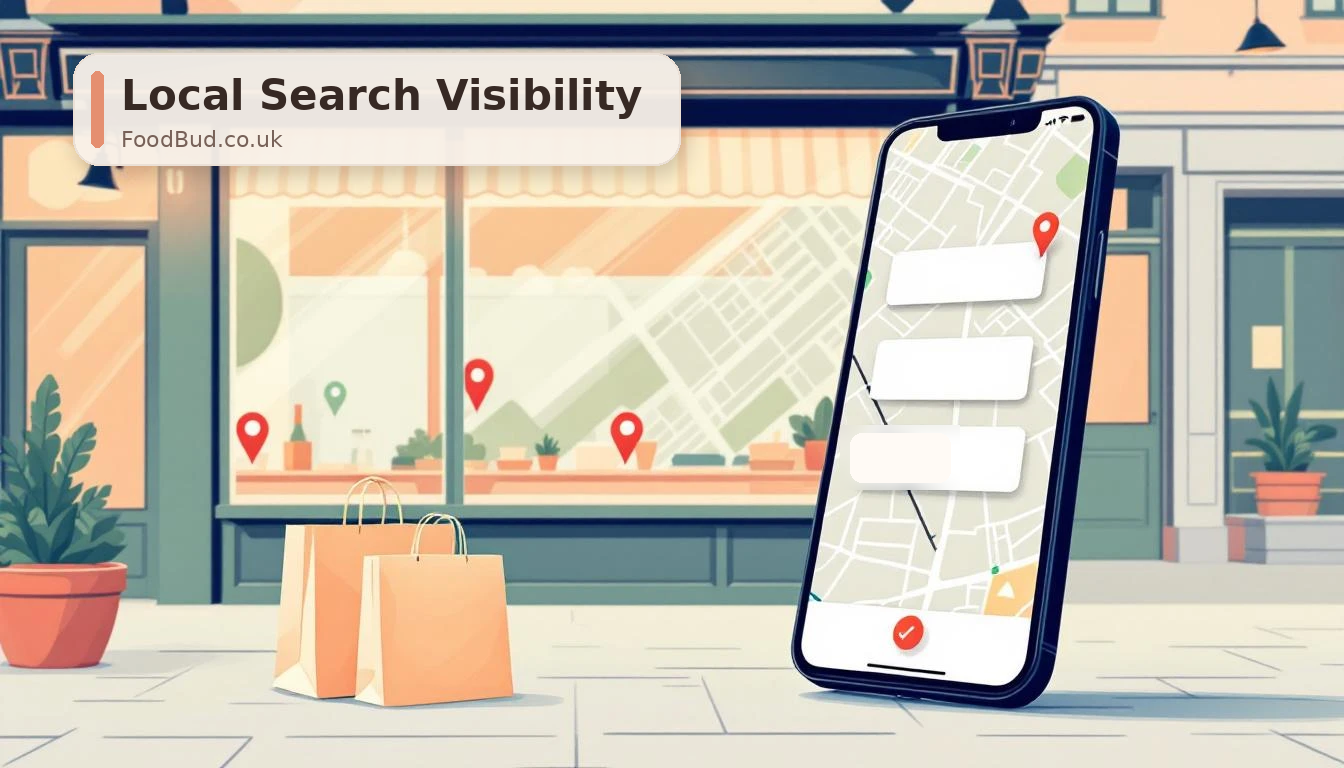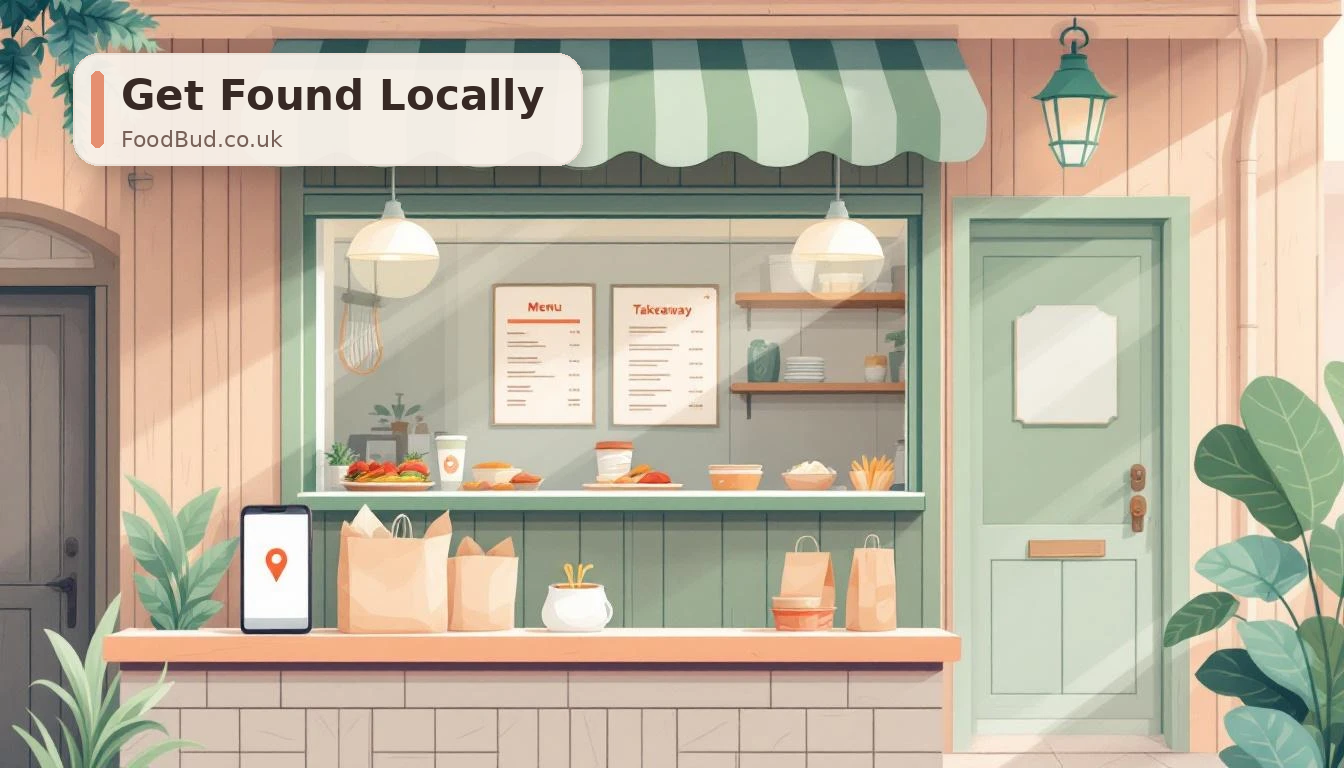
When someone nearby searches for a takeaway, they are usually not browsing for fun. They are hungry, they are on their phone, and they want a quick answer: who is open, who delivers, what looks good, and where can I order?
That is why your Google Business Profile matters. For many customers, it is the first version of your business they see. Sometimes it is the only version they check before choosing where to order.
A strong profile will not replace a good website or a reliable ordering system, but it can send more local customers towards both. The aim is simple: make your takeaway easy to find, easy to trust, and easy to order from directly.
Here are the areas to tighten first.
1. Start with the basics customers actually rely on
Before worrying about clever SEO tricks, check the details that affect real orders.
Your profile should show:
- the correct business name
- accurate opening hours
- clear holiday or temporary hours
- the right address and map pin
- a working phone number
- your website or ordering link
- the right primary category
- useful secondary categories, such as takeaway, delivery, pizza restaurant, Indian restaurant, Chinese restaurant, or whatever genuinely fits your menu
This sounds obvious, but small mistakes cost orders. If your hours are wrong, customers lose trust. If your website link points to the wrong place, direct orders leak away. If your category is too vague, Google has less context for local searches.
Treat your Google Business Profile like your shopfront on Google Maps. If the sign, menu, and opening times would matter in person, they matter here too.
2. Point customers towards your own ordering website
For FoodBud.co.uk customers, this is one of the biggest wins.
If a customer finds you on Google, the best next step is usually your own ordering website, not a generic marketplace page. Your own site gives you more control over the menu, the customer journey, repeat orders, and customer data.
Check every link on your profile:
- Website
- Order online
- Menu
- Posts
- Booking or contact links, if you use them
Where possible, send people to your own branded ordering page. If you use a FoodBud.co.uk-powered storefront, make that the route customers see first. Local SEO is more valuable when the traffic lands somewhere you control.
3. Use photos that help people decide quickly
Food is visual. A profile with no fresh photos feels quiet, even if the kitchen is busy.
Add a simple set of images:
- your best-selling dishes
- your shopfront, so customers recognise the place
- the counter or kitchen area, if it looks clean and welcoming
- current menu boards or specials
- delivery packaging with your branding
- staff photos, if the team is comfortable with that
You do not need a professional shoot every week. Good phone photos in natural light are better than leaving the profile stale. The key is freshness. Add new photos when you launch a dish, change your menu, run a special, or improve your packaging.
Avoid using images with competitor logos or marketplace branding. Keep the focus on your business.
4. Keep the menu readable, not hidden in a PDF
Customers do not want to pinch and zoom around a blurry menu image. Google also understands text more easily than a flat image or PDF.
Your menu should be easy to read on a phone and consistent across your website, Google profile, and printed materials. At minimum, make sure your main dishes, prices, categories, and ordering route are clear.
If your website has a proper menu page, link to it from your profile. If customers can go from Google search to menu to checkout without friction, you have removed one of the biggest reasons they drift back to an app.
5. Ask for reviews in a normal, repeatable way
Reviews help customers decide whether to trust you. They also give Google more signals about your business, your food, and your local relevance.
Do not make review requests awkward. Build them into moments that already happen:
- add a small QR code to receipts or delivery bags
- ask politely when a regular compliments the food
- include a short review link in follow-up messages, where you have permission
- train staff to ask naturally rather than pushing
Never offer rewards for positive reviews. Keep it honest. A steady flow of genuine reviews is worth more than a burst of suspicious-looking praise.
Reply to reviews too. Thank happy customers. Respond calmly to complaints. A profile with recent reviews and thoughtful replies looks alive.
6. Post small updates instead of waiting for big news
Google Business Profile posts are useful for quick local updates. They do not need to be complicated.
You can post about:
- weekend specials
- new menu items
- bank holiday hours
- delivery areas
- collection offers
- loyalty rewards
- direct-order deals
- local events or match-day offers
A weekly update is enough for most takeaways. Keep the copy short, use a real photo, and include a clear call to action such as order direct, view the menu, or call to collect.
This also gives you content you can reuse on Facebook, Instagram, email, or Telegram.
7. Match your website and profile details
Your Google profile and website should tell the same story.
Check that your name, address, phone number, opening hours, delivery area, menu, and ordering link match everywhere. If Google sees one set of details and customers see another, trust drops.
Your website should also support local searches. Mention your town, neighbourhood, cuisine, and delivery areas naturally. A takeaway in Hull should not have a homepage that could belong to any restaurant in any city.
This is where direct ordering and local SEO work together. Google helps customers find you. Your own site turns that attention into orders.
8. Track actions, not vanity rankings
Ranking higher is useful, but it is not the whole point. What matters is whether more people take action.
Keep an eye on:
- calls from your profile
- website clicks
- direction requests
- menu views
- direct orders
- common search phrases customers use to find you
- review volume and rating trends
If lots of people view your profile but few click through, your photos, menu, links, or offer may need work. If people click but do not order, the website journey may be the problem.
Do not treat Google Business Profile as a one-time setup job. Treat it as a small weekly habit.
A simple weekly checklist
If you only have 20 minutes a week, do this:
- Check your opening hours and holiday hours.
- Add one fresh food or shop photo.
- Reply to any new reviews.
- Publish one short update or offer.
- Check that your order link still points to your own website.
- Note any searches or actions that are changing.
That is enough to keep the profile active and useful.
The FoodBud.co.uk angle
Local search should not just create more app orders. It should help you build your own customer base.
When a customer searches for a takeaway near them, finds your Google Business Profile, and clicks through to your own FoodBud.co.uk-powered ordering site, you keep more control of the relationship. Your brand is front and centre. Your menu is presented properly. Your customer data works for your business, not someone else's.
That is the real goal: own the search, own the order.
Google Business Profile gets you seen. A strong direct ordering website helps turn that visibility into repeat customers.